
The lightest way
to watch your Mac
Small app, whole machine
Everything the big monitors show, in the place you already look.
Sixteen menu bar metrics
Show the two you watch, or all sixteen.
A panel, not a window
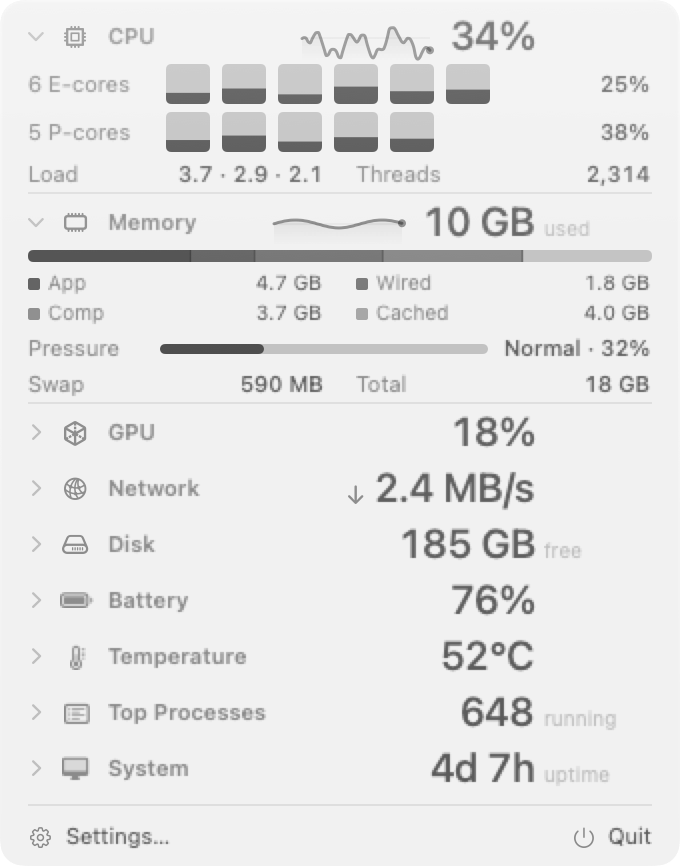
Click for per core load, memory pressure and top processes.
Desktop widget
Pin the modules you want to the desktop.
Threshold alerts
A notification when a metric crosses a threshold you set.
Keyboard shortcuts
Open the panel or desktop widget without the mouse.
Your colours
Colour each metric, or leave it monochrome.
One click deeper
Per core load, memory pressure, GPU, network, disk, battery, temperature and top processes, each with the last 24 hours.



Or leave it on the desktop
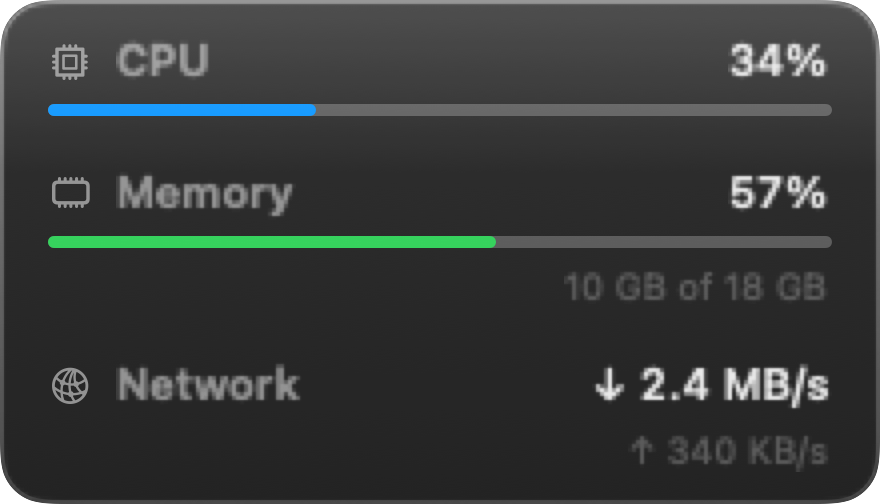
A desktop widget for the metrics you want in view all the time, with a colour per metric so a glance is enough.
Background software should act like it
Same Mac, same sampling window, same command.
Idle CPU
Memoryresident
On diskinstalled
Questions
What does it cost?
Nothing. There is no account, no trial and no paid tier.
Does it run anything in the background?
No. AirStats is one process with no helper and no launch agent. Quit it and nothing of it is left running.
Does it send anything anywhere?
Only if you turn on the public IP lookup, which ships off. Everything else on screen is read straight off your machine.
Is the source open?
Yes, MIT. Everything, including the scripts behind the numbers on this site.
Does it work on Intel Macs?
Not yet. The build is Apple silicon only, which is part of why it is 8.9 MB. It needs macOS 14 or later.
Where do the comparison numbers come from?
One run against Stats and iStat Menus on the same Mac, same window, same command. Full method on the benchmark page, including the parts that do not flatter AirStats.